
Browse Guides
What Is Zira
Account Access
5 guides
Profile Preferences
3 guides
Navigation
2 guides
AI Vision
13 guides
AI Agents
1 guide
AI Assistance
9 guides
Data Sources
12 guides
Forms
2 guides
Dashboards
18 guides
Install the Zira App
Chat
1 guide
Feed
1 guide
Tasks
1 guide
People
2 guides
Documents
1 guide
Applications
1 guide
Support
1 guide
Scheduler
1 guide
Triggers
1 guide
Inventory
1 guide
TVs
1 guide
Operations App
2 guides
TV App
2 guides
Channels
1 guide
1 min read
Updated May 20, 2026
PLC Connector
Create a PLC Connector data source when you need a structured setup for PLC integration work.
Use PLC Connector when you want to connect PLC-related equipment and keep the setup organized inside a structured data source.
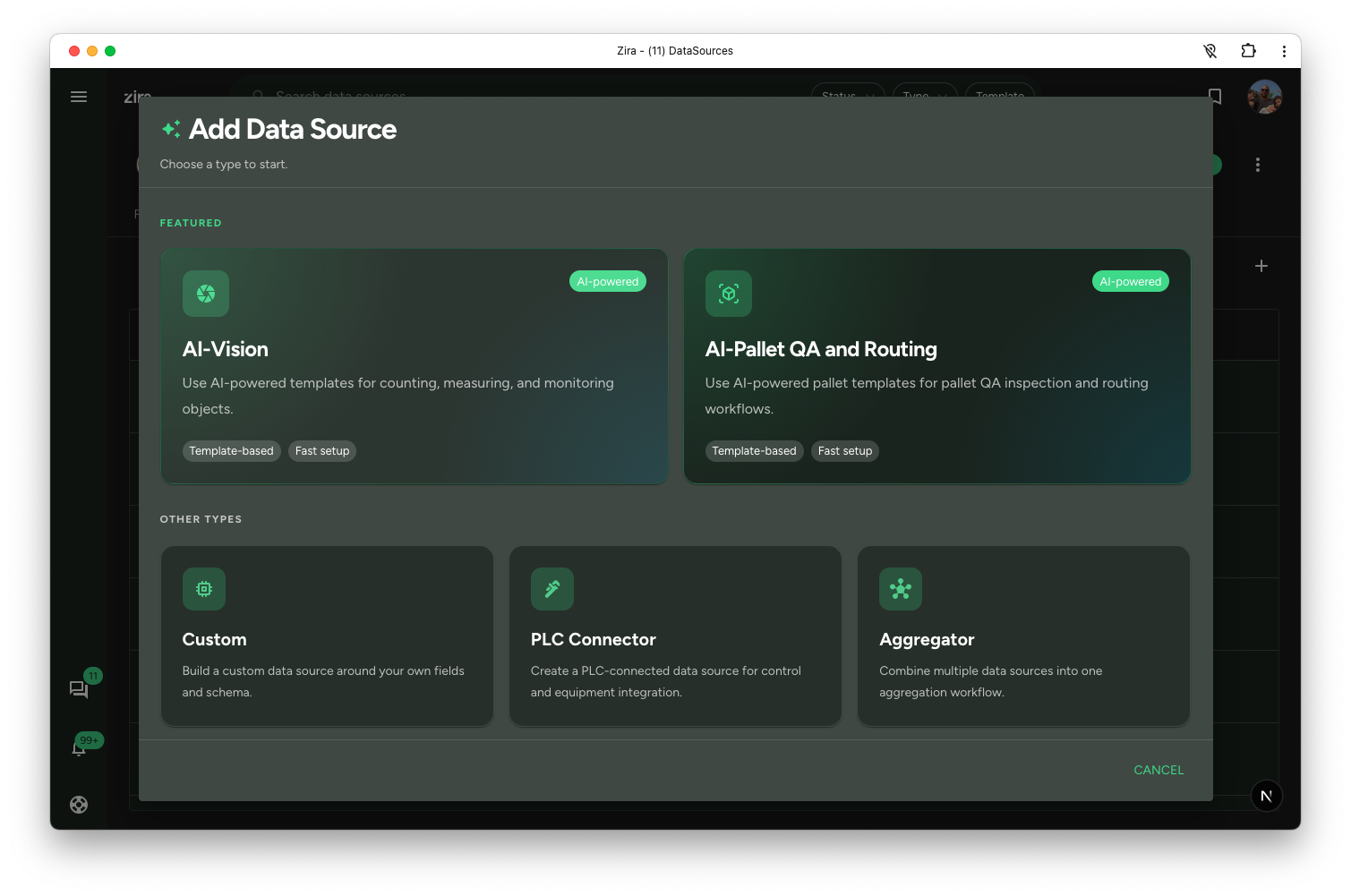
Choose PLC Connector
- Open a channel.
- Click the Data Sources tab.
- Click Add Data Source.
- Choose PLC Connector.
Continue in the shared editor
This path opens the same shared editor used for other structured data sources.
In the editor, you can:
- set the title and description
- add or review fields
- configure PLC-related setup details such as the device connection information
- preview the result before saving
Choose this type when the setup is more integration-focused than operator-form-focused.
Read next
- Create and Edit - Full shared editor workflow.
- More Settings - Review connection and behavior settings.
- Create a Data Source - Return to the type chooser overview.