
Browse Guides
5 guides
3 guides
2 guides
13 guides
1 guide
9 guides
12 guides
2 guides
18 guides
1 guide
1 guide
1 guide
2 guides
1 guide
1 guide
1 guide
1 guide
1 guide
1 guide
1 guide
2 guides
2 guides
1 guide
AI Help Assistant
Ask product questions in plain language and get step-by-step answers based on Zira docs.
Use AI Help Assistant when you want a fast answer before opening more docs or support guidance yourself.
It is designed to answer product questions using the existing Zira docs, then show the most relevant docs below the answer.
Open AI Help Assistant
- Open Help.
- Find the AI Help Assistant card near the top of the page.
- Ask your question in plain language.
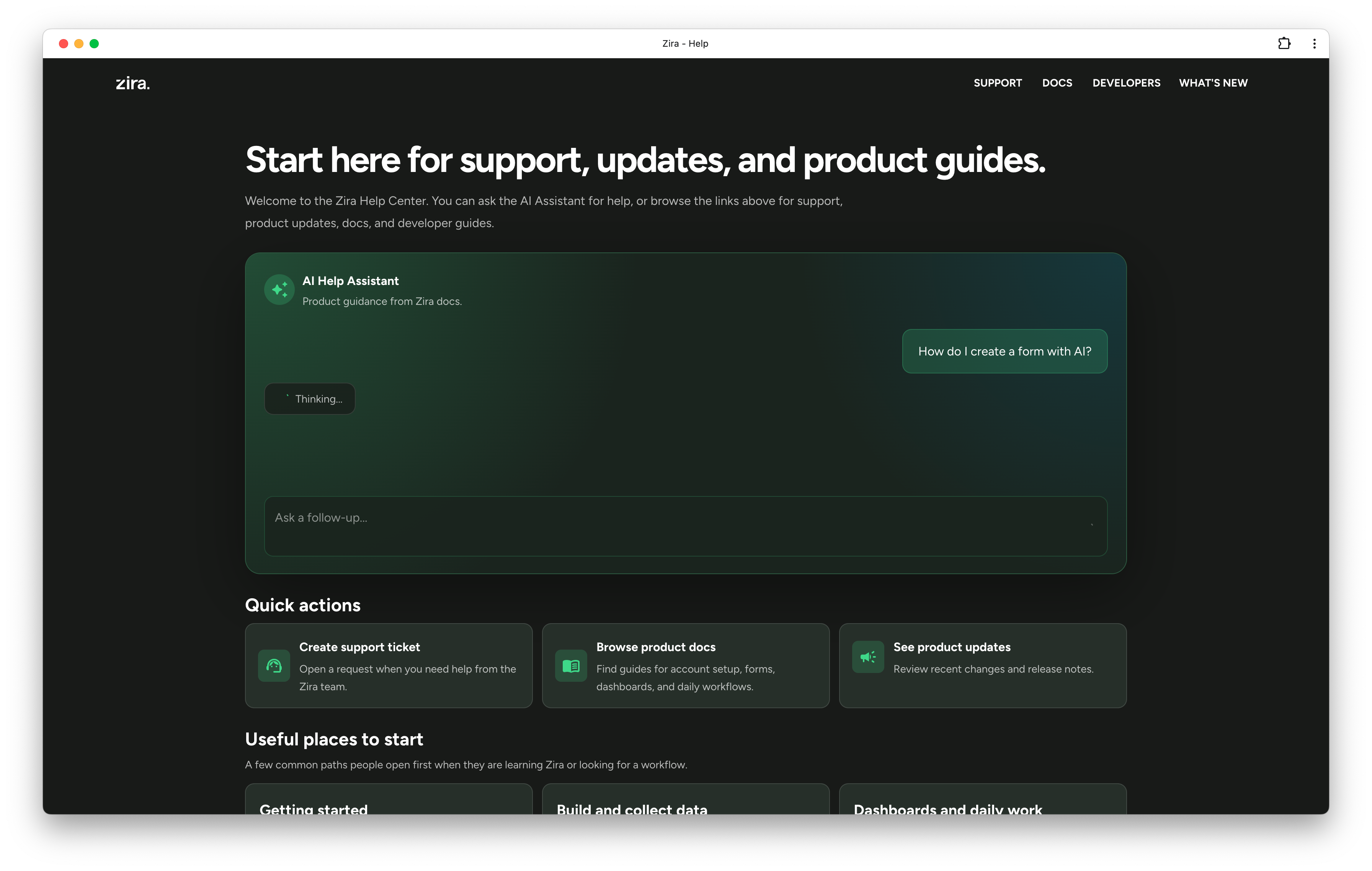
Ask natural product questions
You can ask things like:
- how to create an API key
- where to manage routing
- how to build a data source
- what changed recently in chat
- where to find a dashboard workflow
This is a good first stop when you know what you want to achieve, but you are not sure which guide to open yet.
Use it for support-style questions
AI Help Assistant is also useful when the question feels more like support than navigation.
For example, it can help when you want to understand:
- which page to use for a workflow
- how one feature differs from another
- which setup step usually comes first
- which doc to open next
Wait for the answer
After you ask the question, the assistant shows a loading state while it prepares the answer.
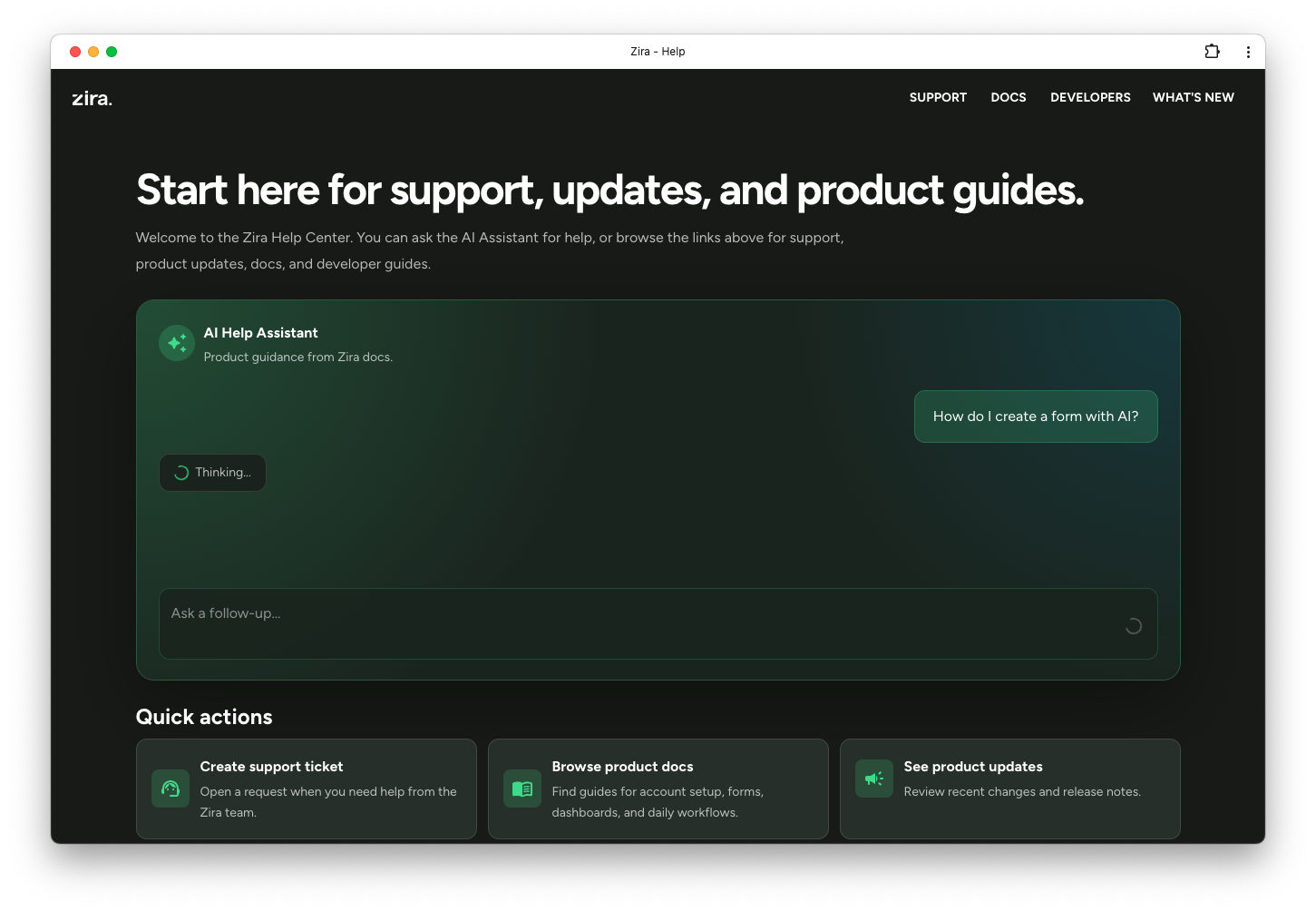
Use the docs below the answer
When the answer is ready, you will see the response in the assistant panel and the most relevant docs as chips underneath it.
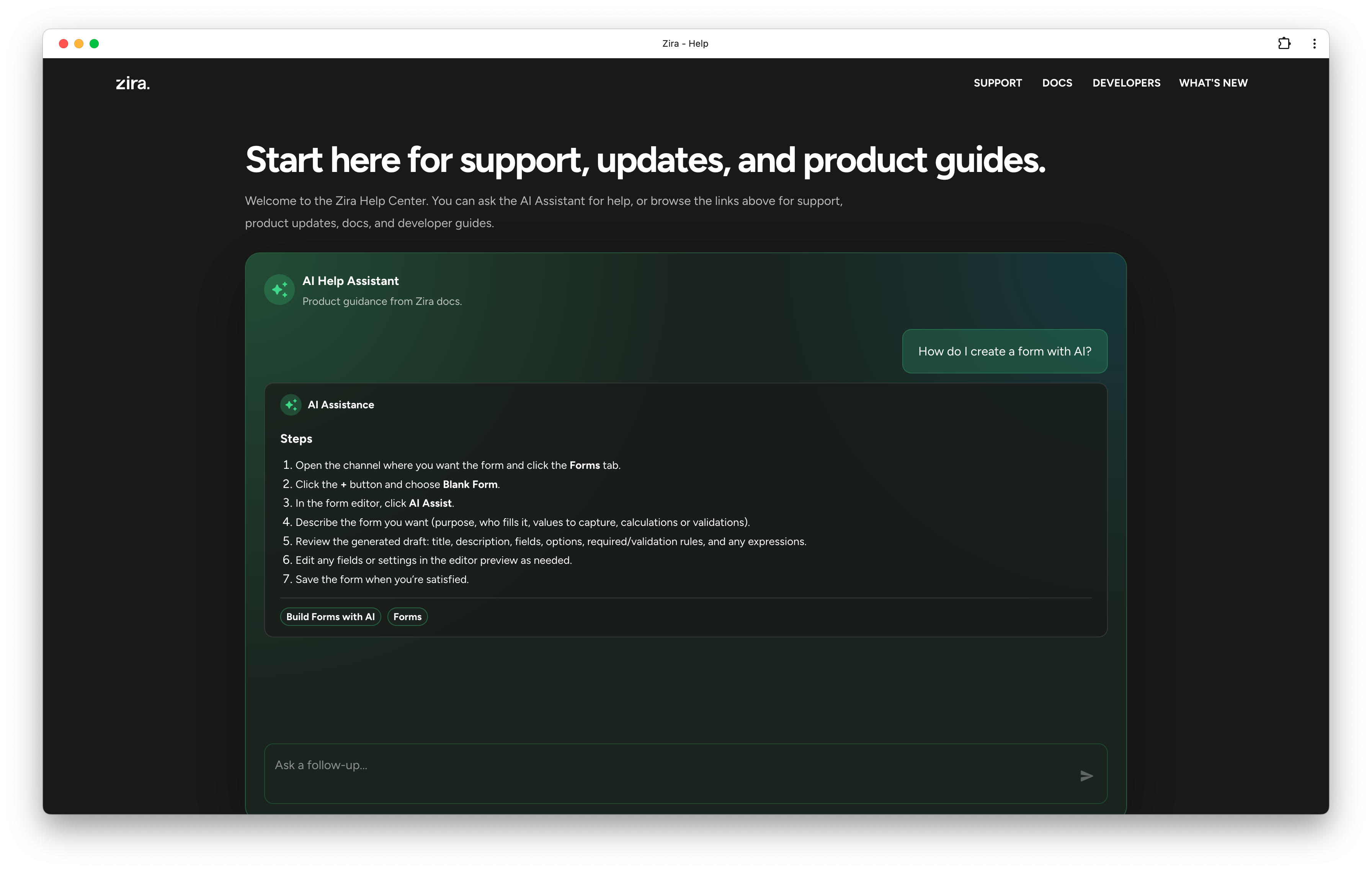
Use those docs when you want to:
- open the main guide for the workflow
- confirm the exact steps in more detail
- continue reading after the quick answer
Ask better questions for better answers
The assistant works best when you describe:
- the feature you are working with
- the outcome you want
- any important limitation or condition
For example, ask:
- how to create a custom quality data source with calculated fields
- how to update routing rules for pallet inspection
- how to build a dashboard from available production data
Read next
- Support - Review or create support requests.
- App Bar and Sidebar - Move through the app and open the Help page quickly.