
Browse Guides
What Is Zira
Account Access
5 guides
Profile Preferences
3 guides
Navigation
2 guides
AI Vision
13 guides
AI Agents
1 guide
AI Assistance
9 guides
Data Sources
12 guides
Forms
2 guides
Dashboards
18 guides
Install the Zira App
Chat
1 guide
Feed
1 guide
Tasks
1 guide
People
2 guides
Documents
1 guide
Applications
1 guide
Support
1 guide
Scheduler
1 guide
Triggers
1 guide
Inventory
1 guide
TVs
1 guide
Operations App
2 guides
TV App
2 guides
Channels
1 guide
1 min read
Updated May 20, 2026
Aggregator Data Source
Create an Aggregator when you want one data source to combine or summarize readings from other sources.
Use Aggregator when you want one data source to combine or summarize readings from other sources.
Choose Aggregator
- Open a channel.
- Click the Data Sources tab.
- Click Add Data Source.
- Choose Aggregator.
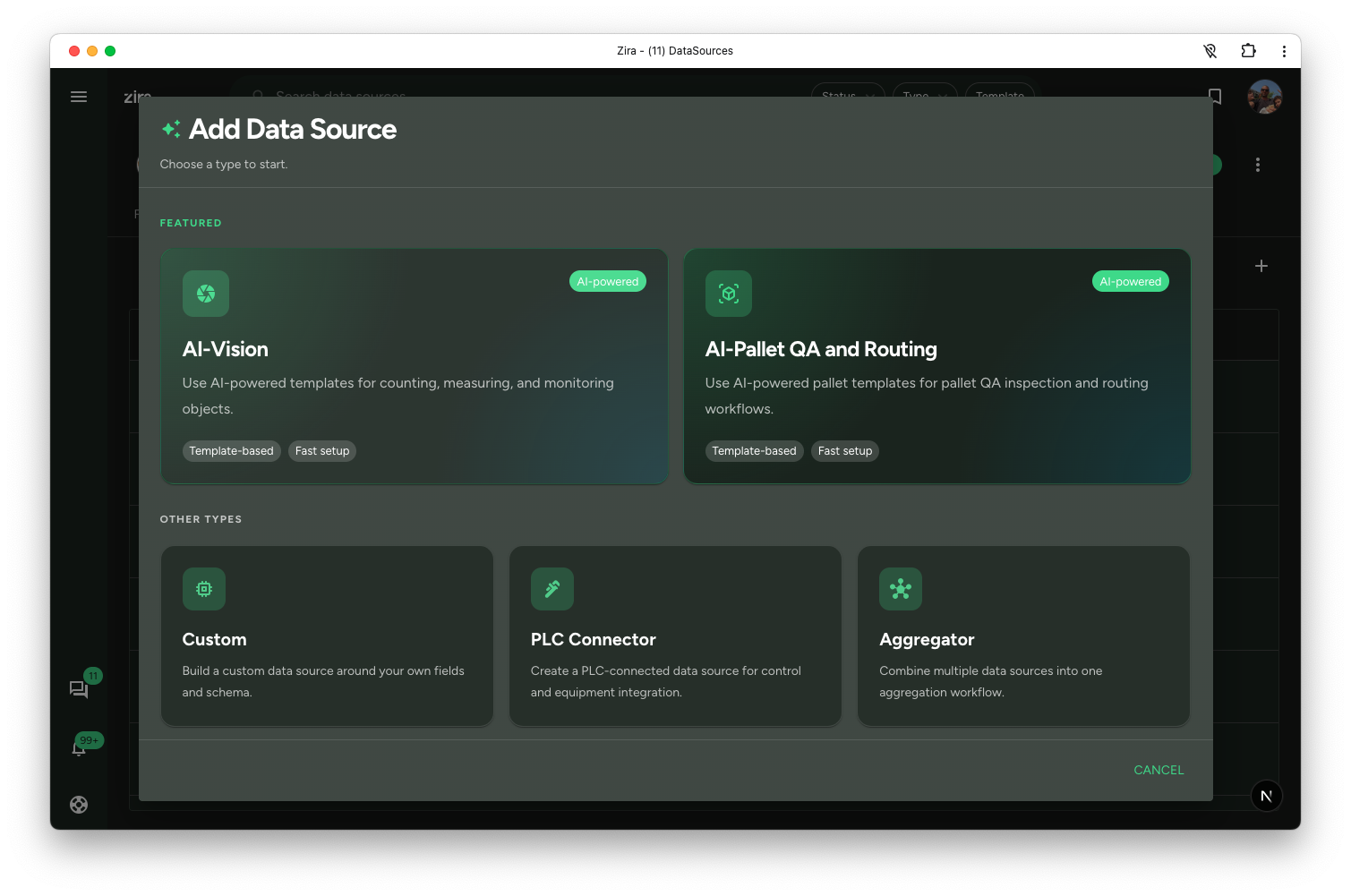
Continue with the setup
After creation, continue into the next setup step to define how the aggregator should collect, combine, or summarize values from other data sources.
This is a good option when the goal is to create one summarized view instead of capturing raw readings directly.
Typical uses include:
- combining related values from multiple sources
- building a summary record for reporting
- creating one cleaner output for dashboards or automation
Read next
- Create and Edit - Shared editor details when the flow uses the structured editor.
- Data Sources Tabs - Open the configured data source from the site or channel list.
- Create a Data Source - Return to the create flow overview.