
Browse Guides
What Is Zira
Account Access
5 guides
Profile Preferences
3 guides
Navigation
2 guides
AI Vision
13 guides
AI Agents
1 guide
AI Assistance
9 guides
Data Sources
12 guides
Forms
2 guides
Dashboards
18 guides
Install the Zira App
Chat
1 guide
Feed
1 guide
Tasks
1 guide
People
2 guides
Documents
1 guide
Applications
1 guide
Support
1 guide
Scheduler
1 guide
Triggers
1 guide
Inventory
1 guide
TVs
1 guide
Operations App
2 guides
TV App
2 guides
Channels
1 guide
1 min read
Updated April 23, 2026
Create Your Account
Fill in the sign-up form and create your Zira account before signing in.
Use this guide when you have been invited to Zira or need to create your account before signing in.
You may already have an invitation link from your team.
Open the sign-up page
- Open the invitation or sign-up link your team sent you.
- Check that your email address is correct.
- Fill in the required account details.
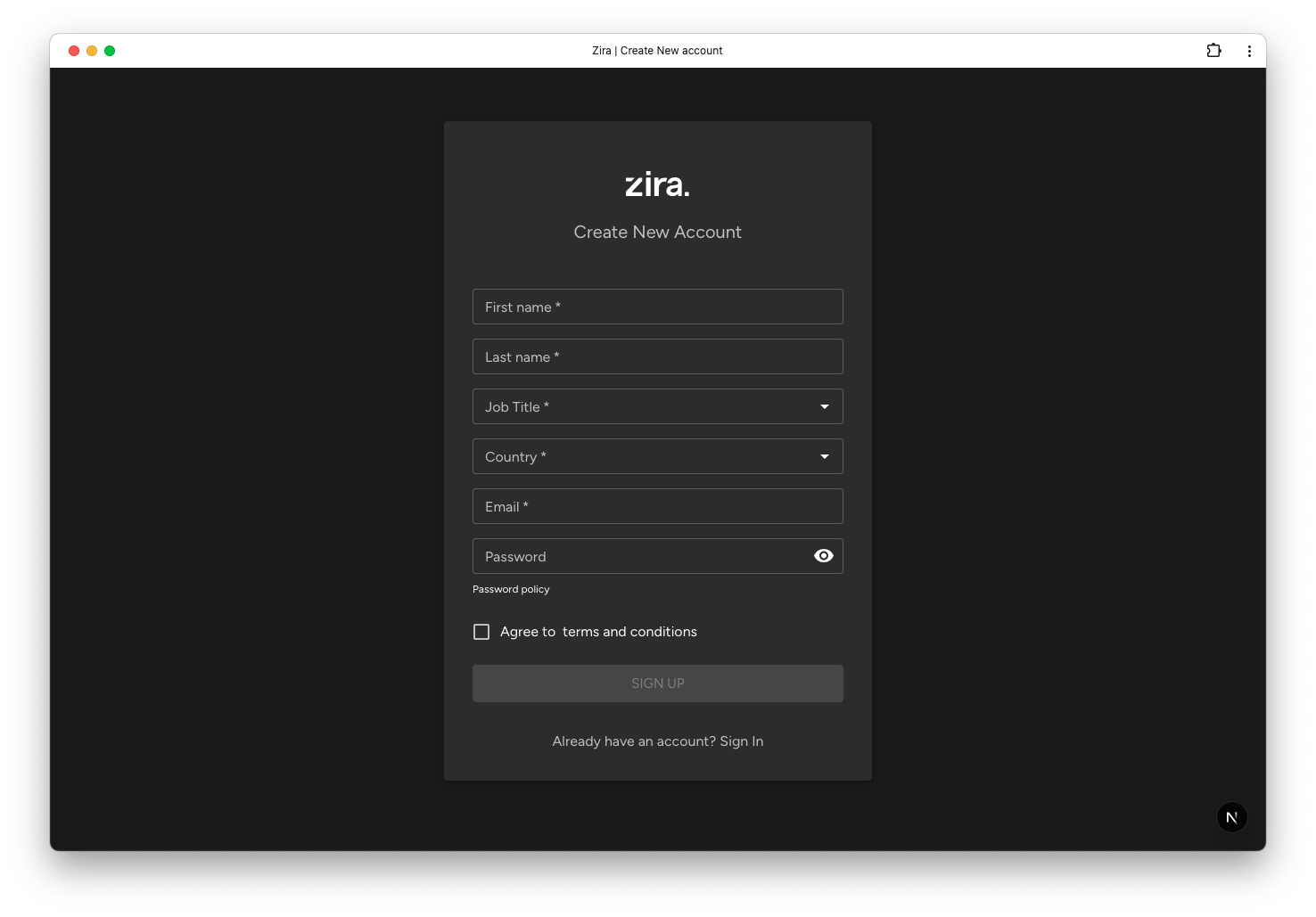
Create the account
- Enter the requested profile details.
- Choose a password you can remember.
- Review the terms and conditions.
- Click Sign Up.
If Zira asks you to verify your email, open the verification email and follow the instructions.
Sign in after setup
After your account is ready:
- Open the Zira sign-in page.
- Enter your Email and Password.
- Click Login.
Related guides
- Sign In to Zira - Open your new account and start using Zira.
- Forgot Your Password - Reset access if you cannot remember your password.
- Update Your Profile - Add your photo and personal details after setup.